
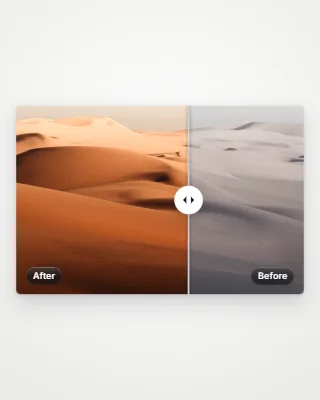
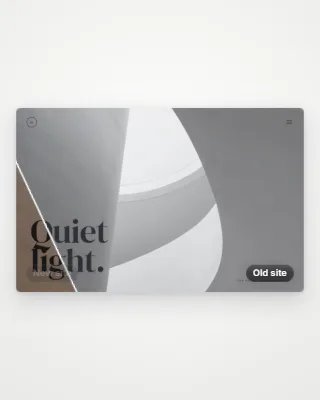
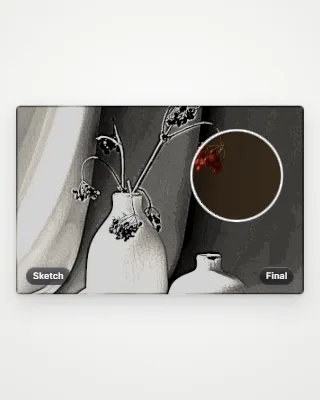
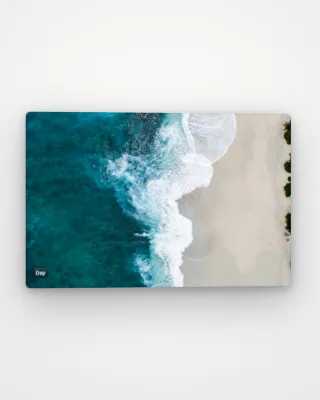
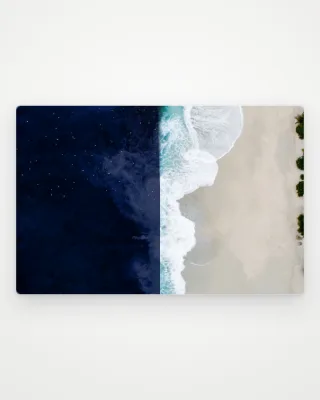
Cross-fade
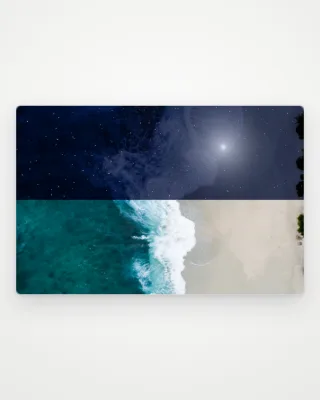
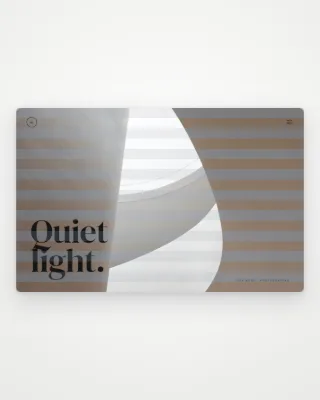
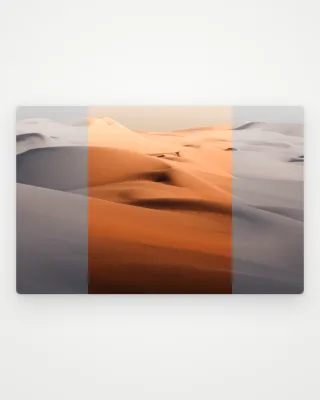
A calm dissolve from before to after and back.
Use this template- Free, no account
- Runs in your browser
- MP4, WebM, GIF up to 4K
Good for redesigns, retouching, renovations and any before and after.
How to use it
- Open the templatePress “Use this template”. Wowbly opens in your browser with Cross-fade ready on the canvas.
- Make it yoursAdd the before and after images. Then adjust colours, timing and layout in the Style panel.
- ExportChoose MP4, WebM or GIF up to 4K, or a PNG or JPG still, and download it.

Questions
Is the Cross-fade template free?
Yes. It is free to use, with no account and no watermark.
What is Cross-fade good for?
A calm dissolve from before to after and back. It suits redesigns, retouching, renovations and any before and after.
Which formats can I export?
MP4, WebM and GIF video up to 4K, and PNG or JPG stills.